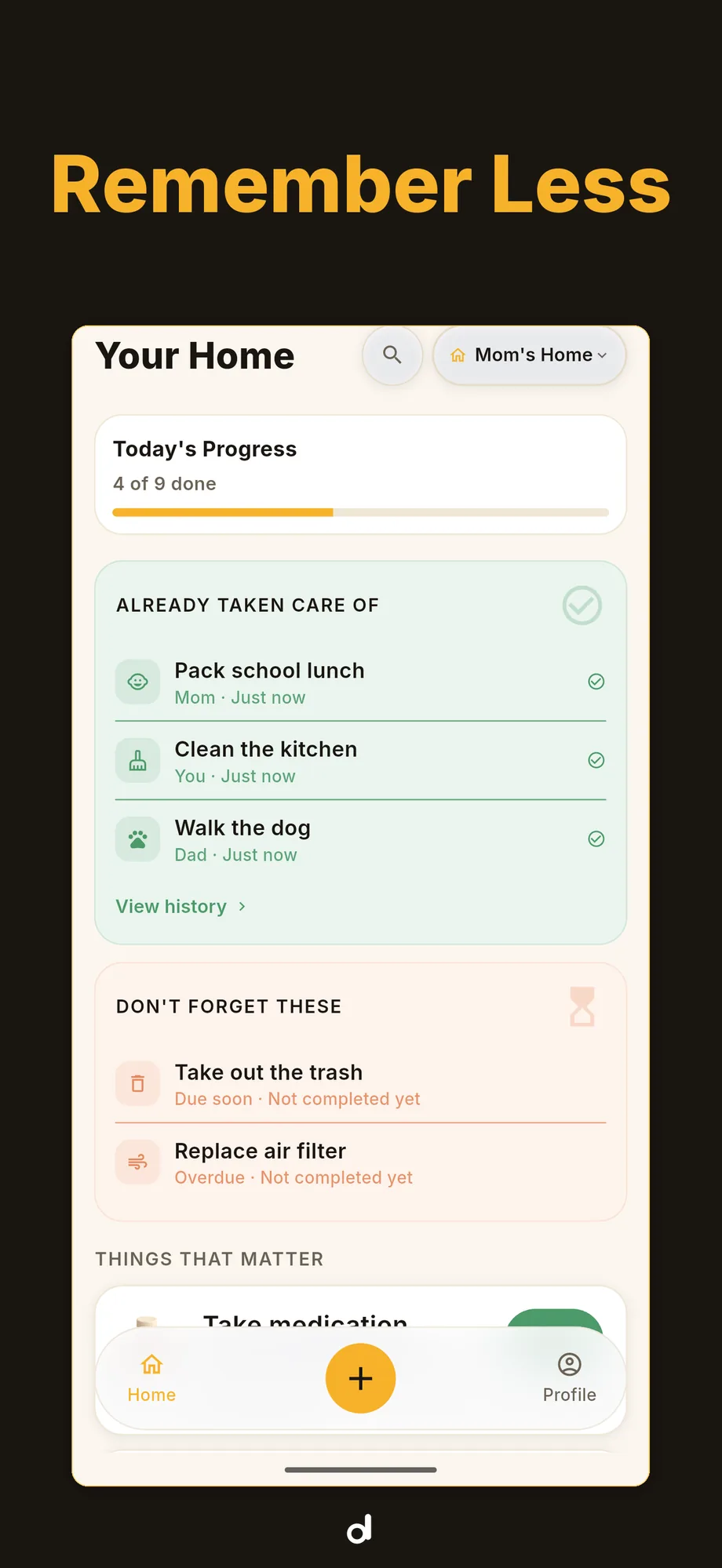
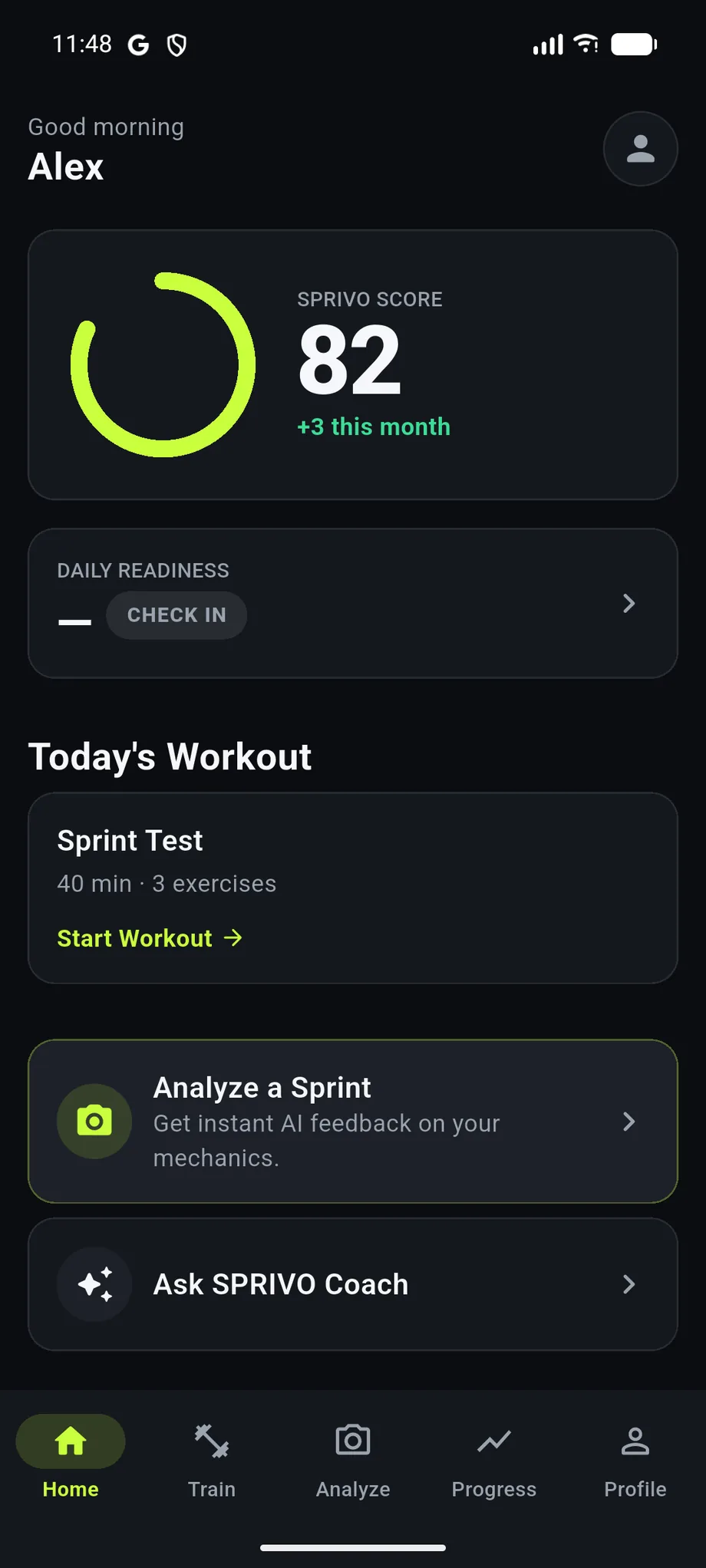
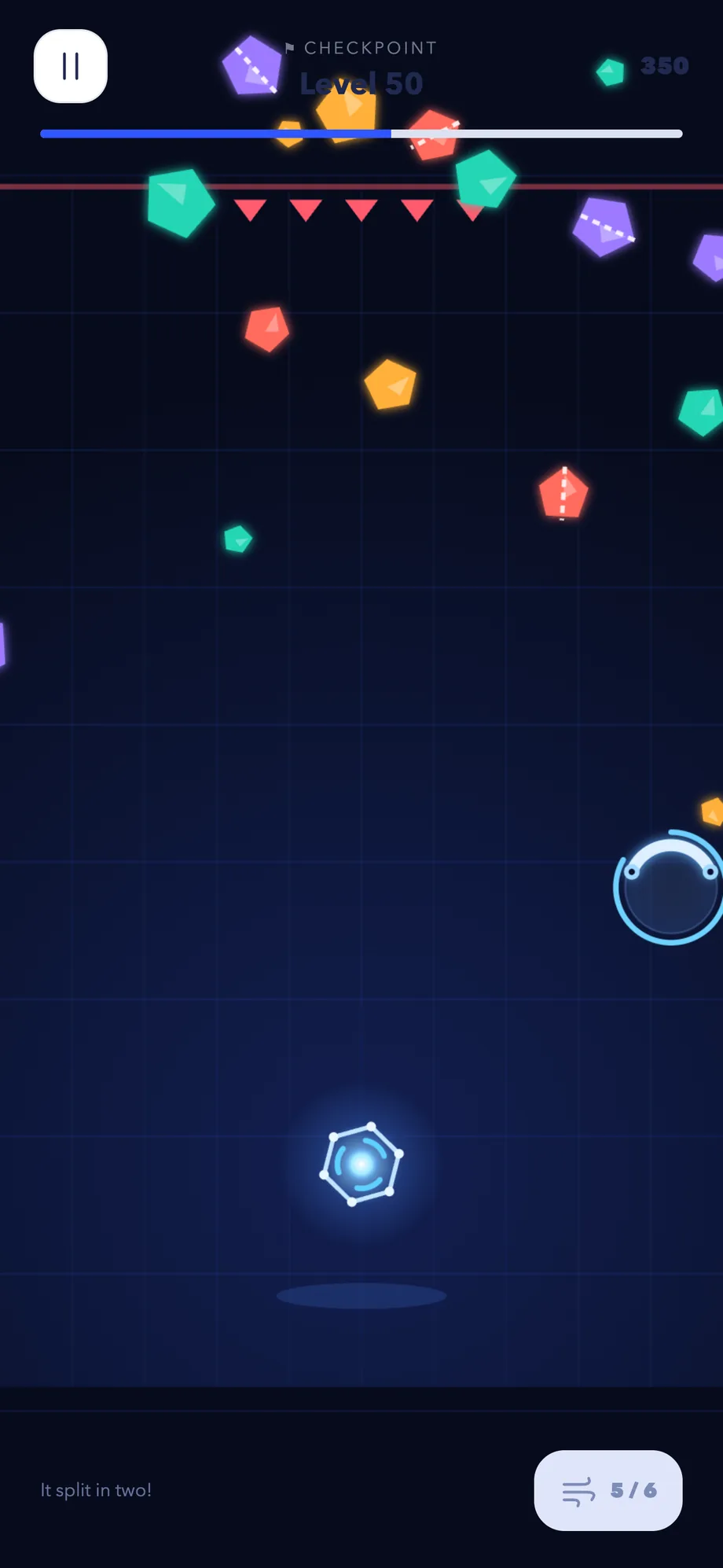
A one-thumb arcade game about never standing still — 600 levels, all offline.
iOS · AndroidPlay
Weir lets you keep Instagram and YouTube and switch off only the parts you choose — Reels, Explore, Shorts, the Home feed — all day or on a schedule. On Android it steps in front of a surface you turned off and asks, briefly, why you came; on iPhone it pauses the apps on your schedule and keeps Safari free of the feeds. Everything stays on the phone.
Not on the stores yet. Waiting for App Review on the App Store and in closed testing on Google Play. Not publicly listed on either store yet.
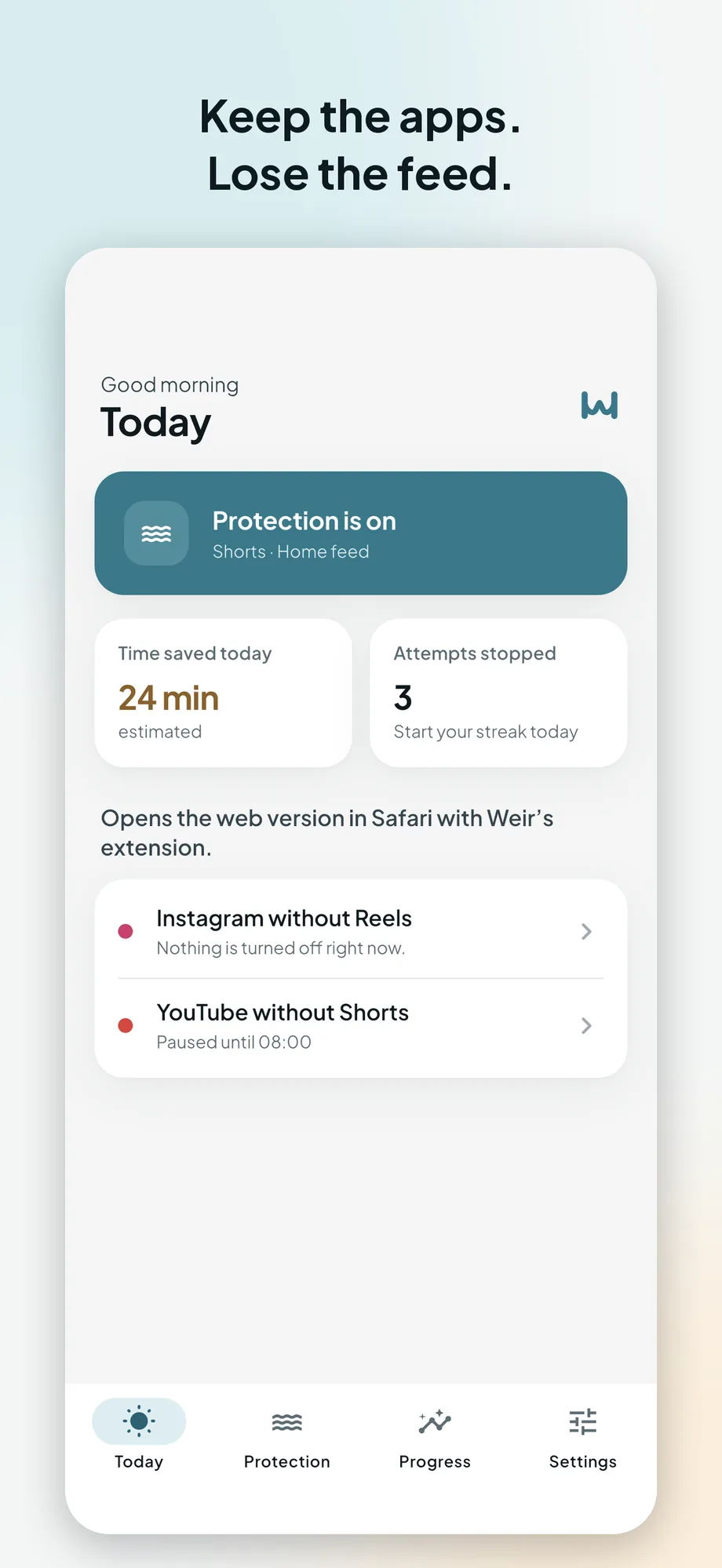
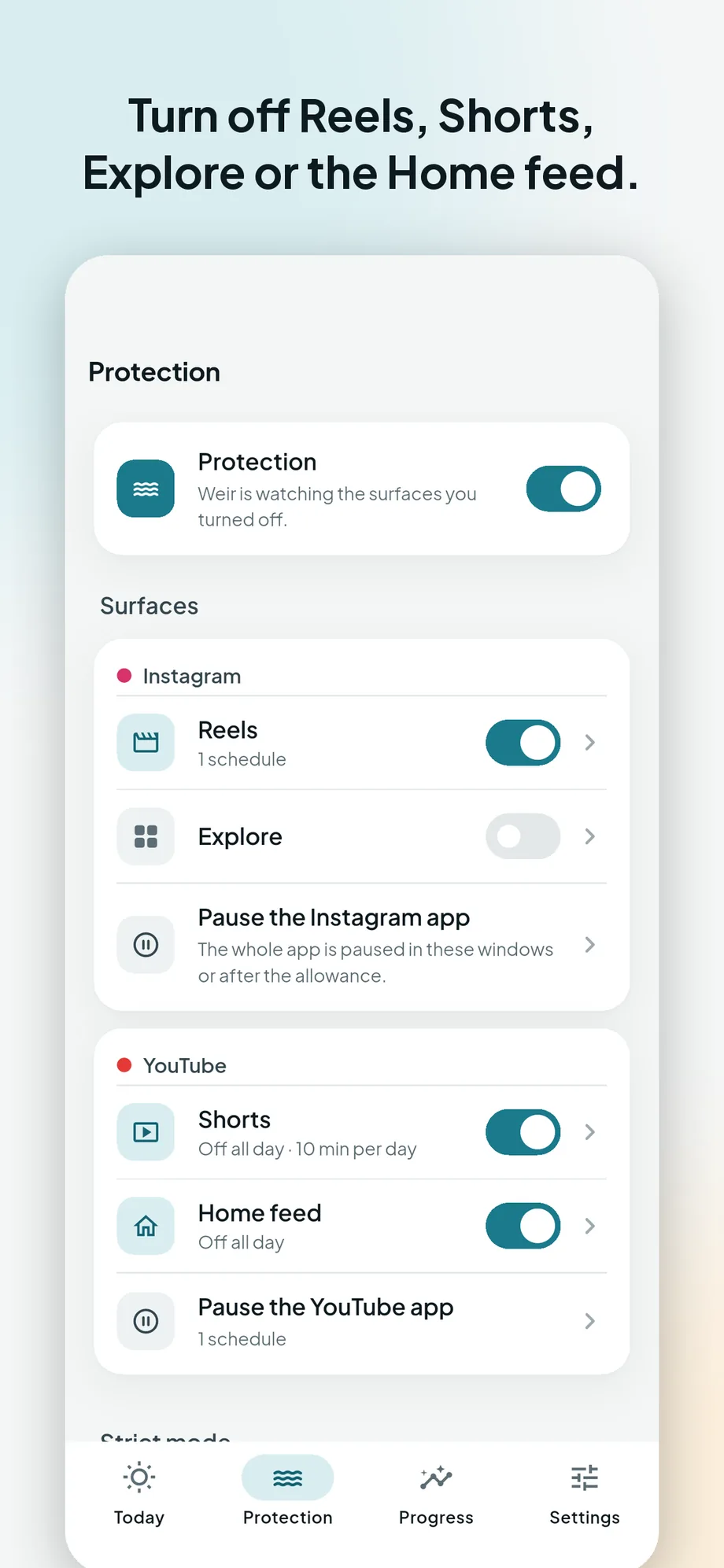
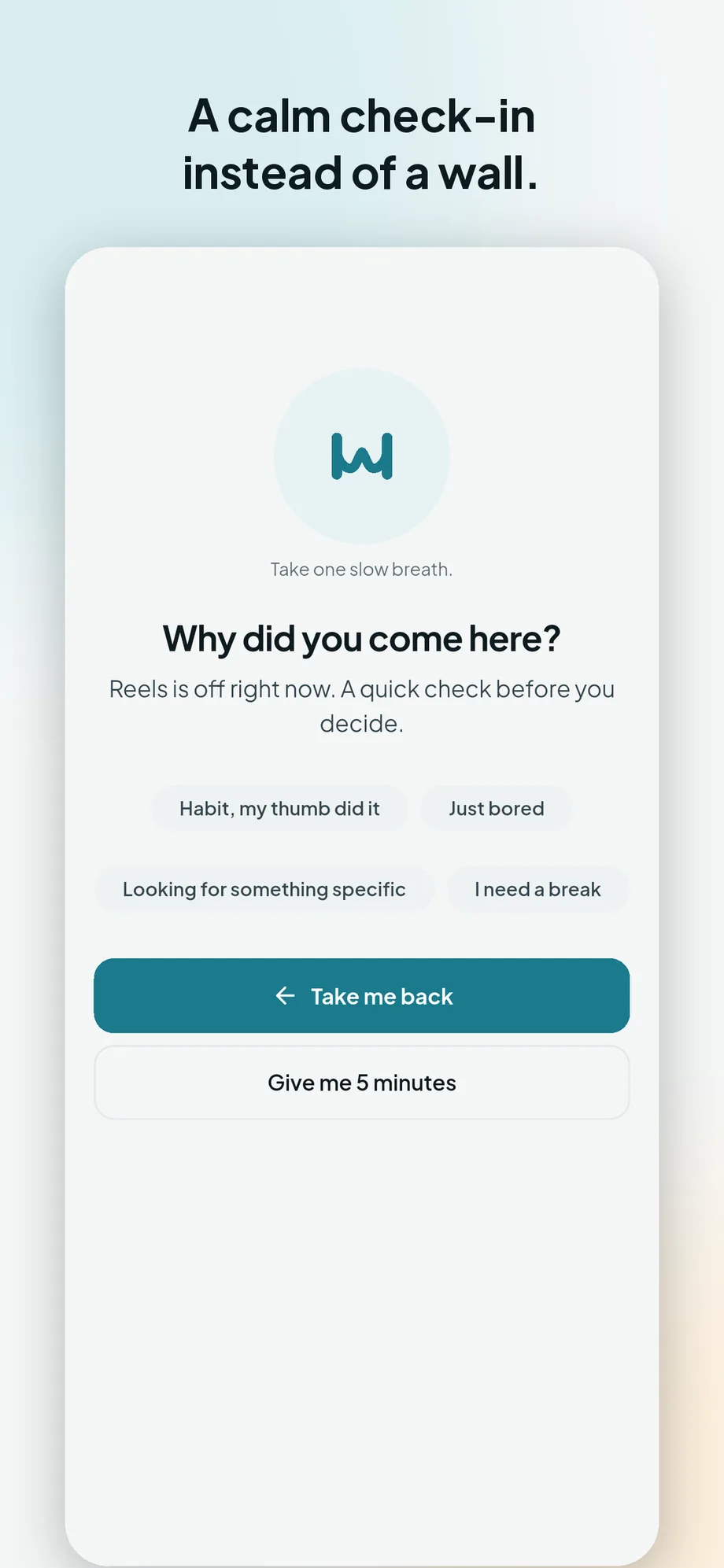
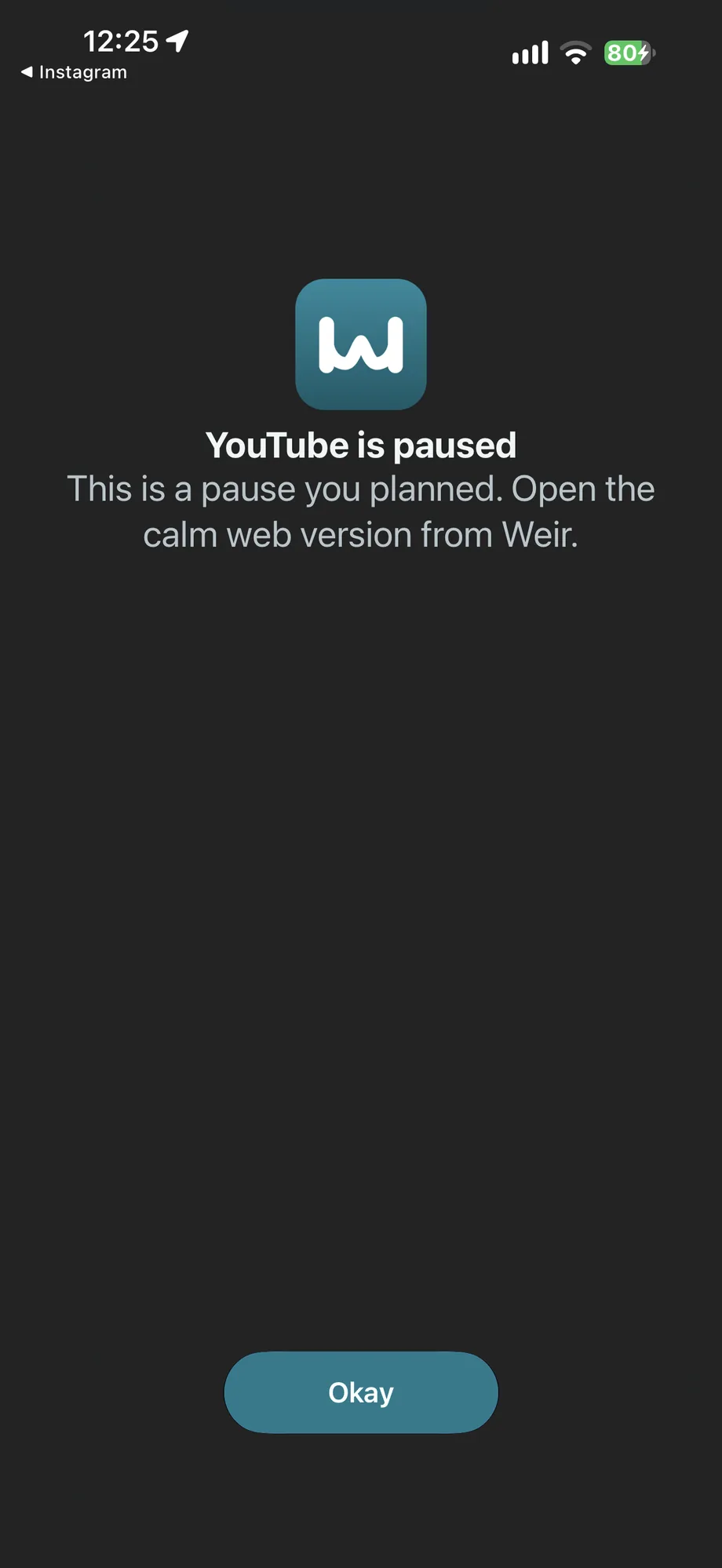
Interactive recreation
Uses Weir’s own surface list, rules and wording; the apps it steps in front of are drawn here. On Android Weir shows this pause; on iPhone it pauses the whole app with Screen Time and covers Safari. Nothing here blocks anything, and your choices are gone when you leave.
See Weir step in front of one part of an app, not the whole app.
Why it exists
Digital-wellbeing apps usually offer one lever: block the app. That fails the person who needs Instagram for messages and YouTube for a tutorial, and only wants the endless feeds gone. Weir is built for that narrower, more honest goal — keep the tool, remove the slot machine inside it — and it is explicit about what it cannot technically control.
What it does
Reels, Explore, Shorts and the Home feed, each switched separately. Everything else in both apps keeps working.
On Android, instead of the feed you get a short question — why did you come here? — and then go back, or take five minutes, at most twice a day.
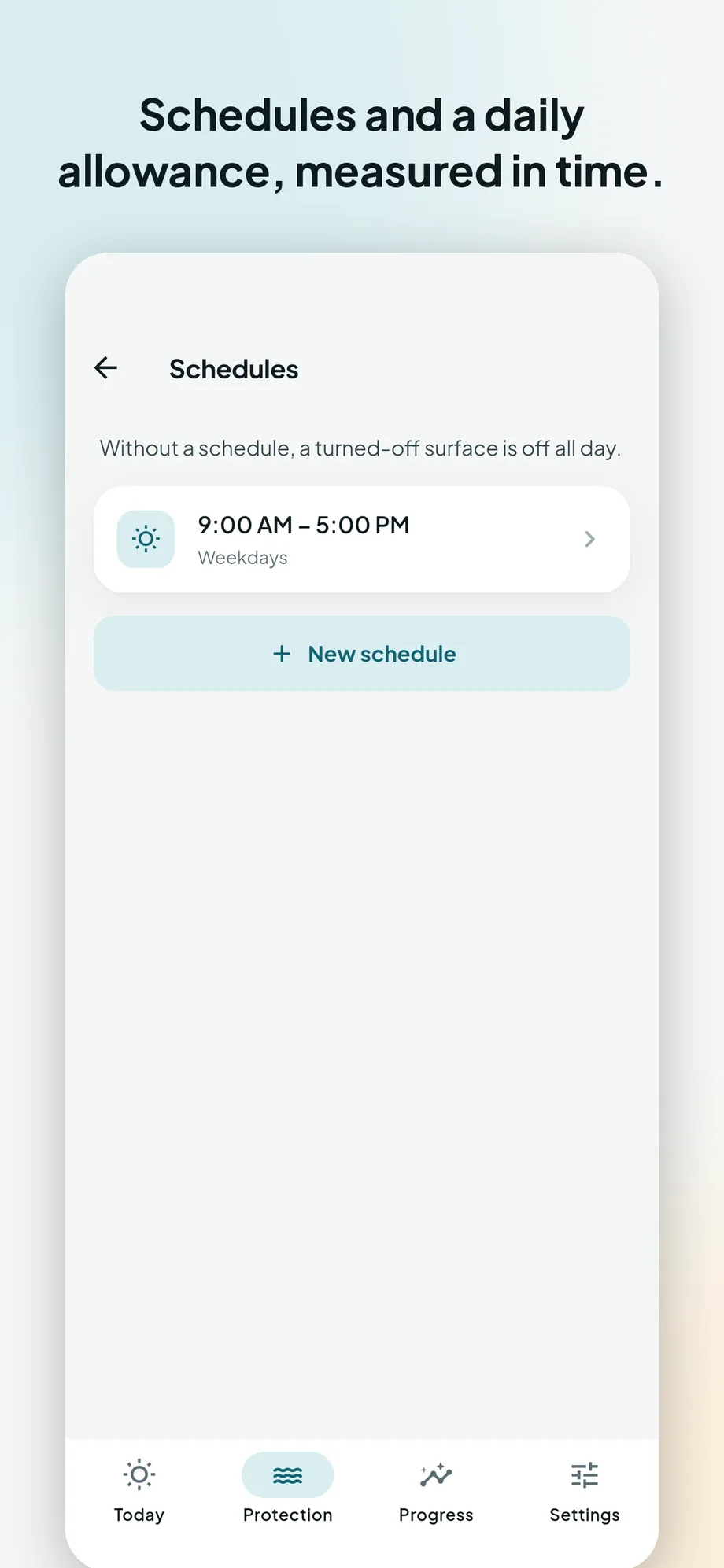
Turn surfaces off all day, during work hours or at night, or give yourself a daily allowance. Strict mode takes a full day to switch off.
Screen Time pauses the apps you choose on your schedule, and a Safari extension shows Instagram and YouTube without Reels, Explore and Shorts.
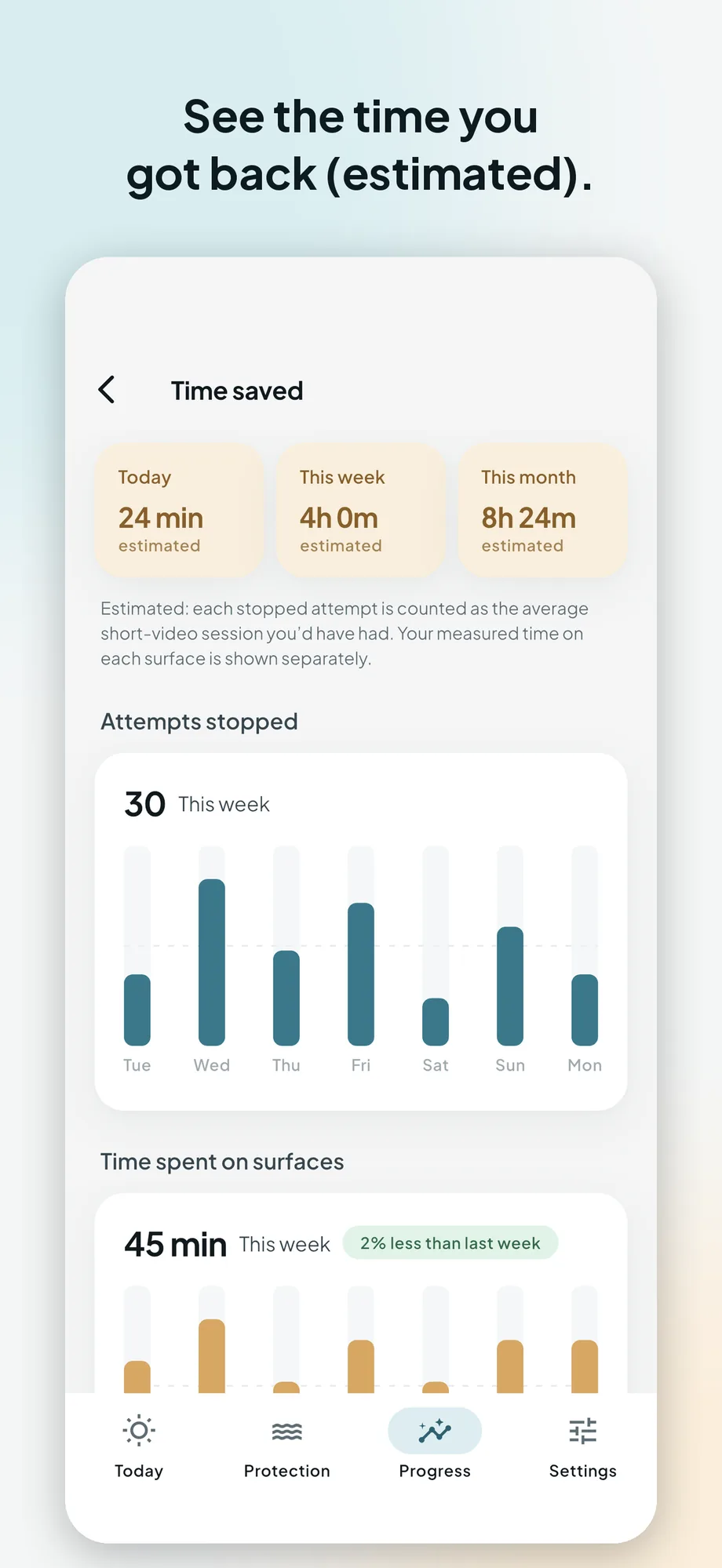
No account, no servers and no analytics. Rules, schedules and statistics live on the device and can be exported as a file or erased from Settings.
How it was built
On Android, an accessibility service bound only to Instagram and YouTube reads the on-screen layout — view identifiers and the labels of the bottom tabs — enough to tell that the Reels viewer or the Shorts player is showing. It never reads messages, comments or captions. When a surface you turned off appears, it goes back — or, for YouTube’s Home feed, switches to Subscriptions — and shows Weir’s own pause. On iPhone, Apple offers no way into another app’s screens, so Weir uses Screen Time to pause whole apps on your schedule or after a daily allowance, and a Safari extension that hides Reels, Explore and Shorts on the web. There is no server, account or analytics.
Where it stands
Weir 1.0 was resubmitted to App Review on 17 October 2026 and is waiting for review, and it is in closed testing on Google Play. It is free with small banners on two screens; Weir Premium, monthly or yearly with a seven-day trial, removes them and adds strict mode, unlimited schedules and custom allowances. Nothing is publicly listed yet, so there is no store link here.
We do not publish download counts, ratings or revenue figures for any product. Nothing here has been on a store long enough for one to mean anything. Privacy information for Weir.
Elsewhere in the studio