Pivumo
A calm early-learning app for children aged 2 to 6. 102 activities across 10 themed worlds — matching, sorting, tracing, colouring, counting and memory — every line of it spoken aloud, guided by a character called Pivu.
Made to be chosen and set up by a parent, then handed over. This page is written for you, not for the child who will use it.
Availability
Live on the App Store since , at version 1.0.0. Free to download. There is no Google Play listing.
What is free
The Home Town world, 12 activities and one child profile, with progress saved on the device. A subscription unlocks the remaining 90. Prices and trial terms are in the Terms of Service.
Voice
Every instruction is spoken. The app ships 29 locale catalogues with recorded voices, with a slower take for the youngest ages. The App Store listing itself is currently published in English.
For parents
What a child actually does
Described as activities, because that is what is observable. Pivumo is a learning game, not an assessment, and it promises no particular educational outcome.
Matching, sorting and counting
A child matches shapes to their outlines, sorts objects into groups, and counts what is on screen. Every instruction is spoken aloud, because the audience cannot read yet.
Tracing, colouring and memory
Tracing a line with a finger, filling a drawing with colour, and turning over pairs to find a match. Simple, physical interactions that work on a tablet held by small hands.
Ten worlds, one at a time
Home Town, Animal Forest, Ocean World, the Space Station, Food Town, Wonder School and four more. 20 distinct kinds of activity rather than one idea repeated 10 times.
Difficulty that follows the age
Every activity carries its own difficulty for each year from 2 to 6, so a four-year-old and a six-year-old open the same activity and meet different versions of it — instead of a parent guessing at an easy/hard switch from the next room.
Screens
From the shipped app
The app's own screens, not mock-ups.
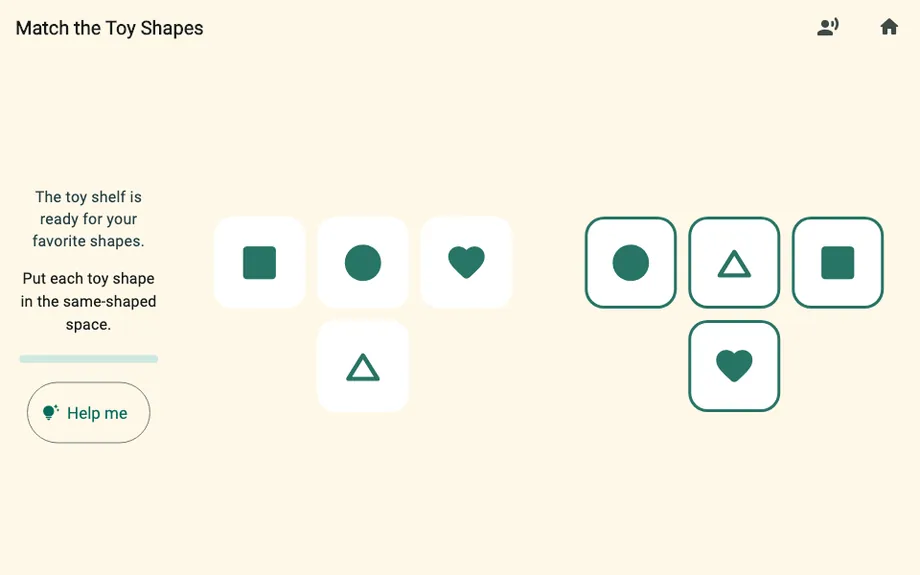
Match the Toy Shapes, in Home Town 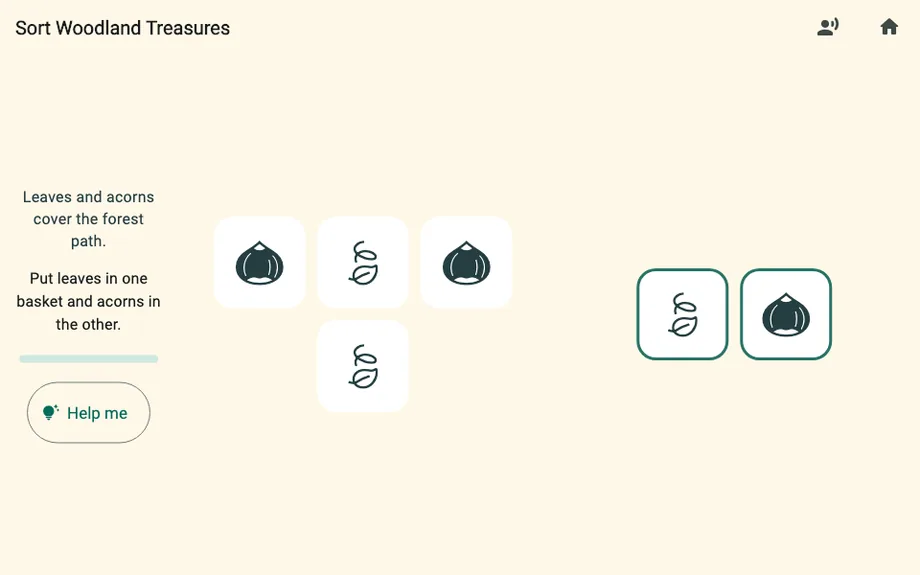
Sort Woodland Treasures, in Animal Forest 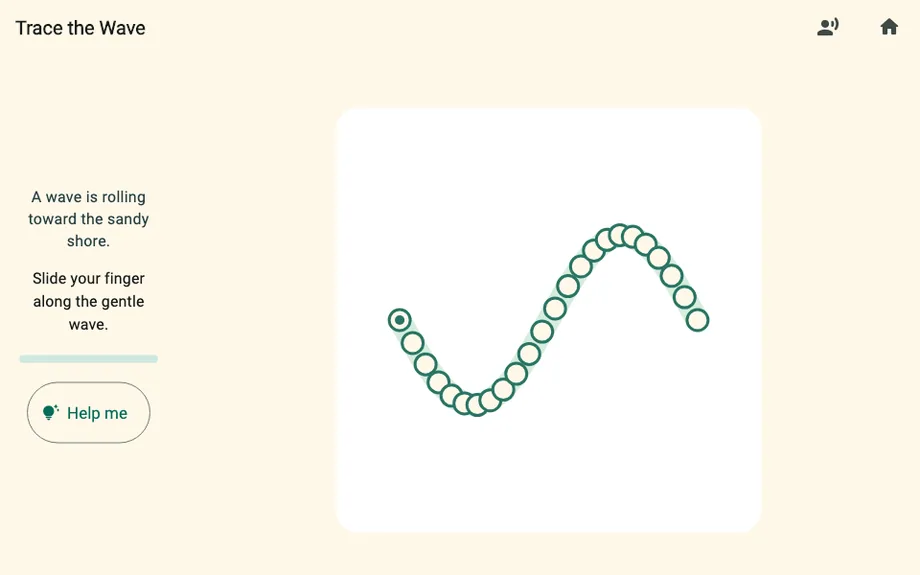
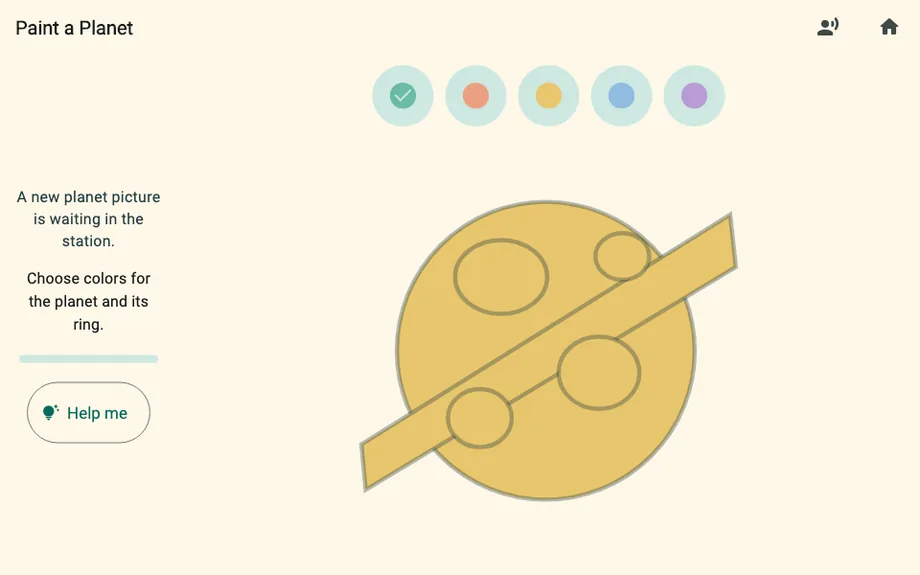
Trace the Wave, in Ocean World Paint a Planet, on the Space Station 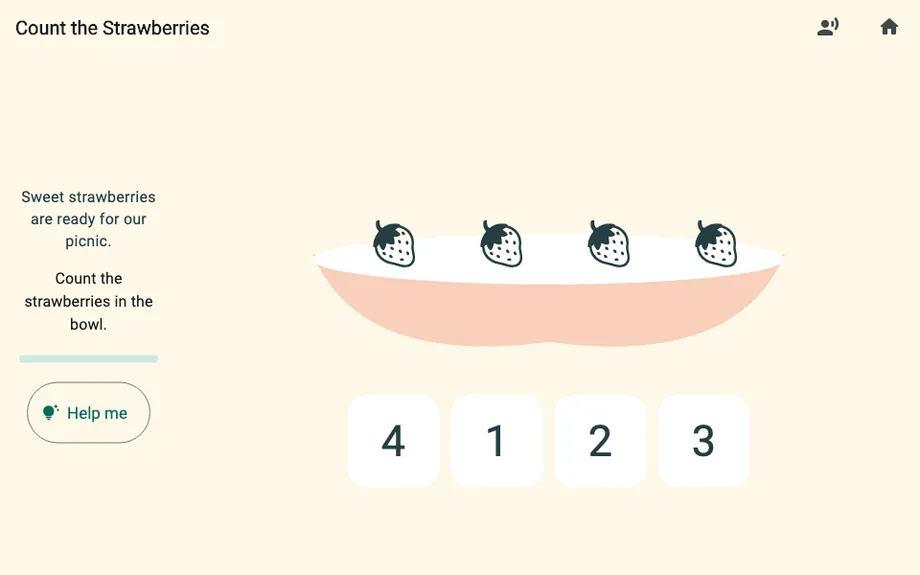
Count the Strawberries, in Food Town 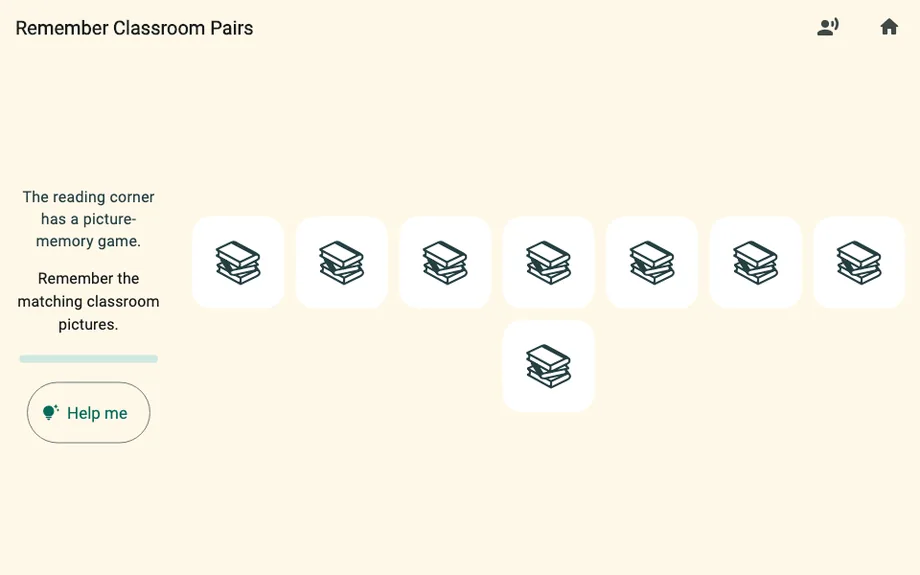
Remember Classroom Pairs, in Wonder School
Before you install it
The four things parents ask first
- No advertising
- There is no advertising in Pivumo and no ad network in the app. Nothing interrupts a child to sell them something.
- No account needed
- Pivumo plays as a guest with no sign-in and no network connection. If nobody signs in, nothing your child does leaves the device.
- Nothing asked of a child
- The app never asks a child for an email address, a birthday, a photograph, contacts or location. There is no chat and no social feature.
- Adult gates
- Purchases, account settings, data export and every link that leaves the app sit behind a gate that asks for an adult action first.
An account is optional, and exists only to carry progress and a subscription to a second device. A parent can sign in with an email address, with Apple, or with Google. What each of those collects, how long it is kept and how to remove it is set out in full in the Privacy Policy.
Legal
Privacy and terms
Both documents are public, need no account to read, and describe how Pivumo actually behaves rather than what a template would say.
Privacy Policy
What the app collects and when, what signing in with Google gives us, which YouTube scopes the studio’s publishing tool uses, how tokens are stored, and how to revoke either.
Read the Privacy PolicyTerms of Service
Who may use Pivumo, what the free tier includes, subscription prices, the free trial, cancelling and refunds, and what Pivumo explicitly is not.
Read the Terms of ServiceBoth last updated . Questions about either reach a person at info@novemade.com.
Pivumo is made by NOVEMADE, an independent product studio. The studio’s own write-up of how it was built is at the product page, and a playable piece of it runs in the browser.